The
front air hole
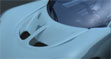
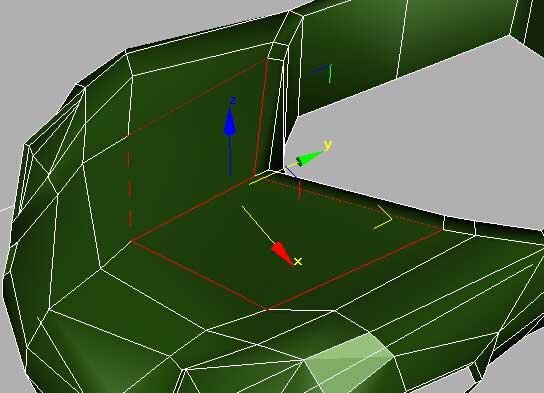
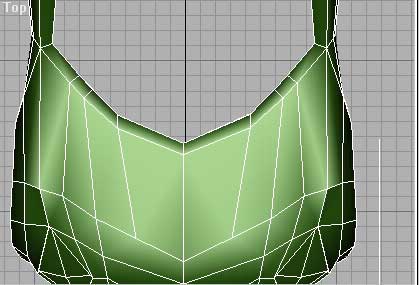
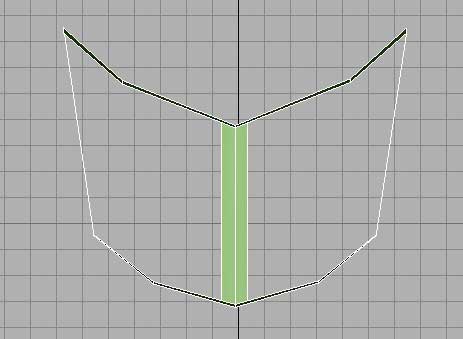
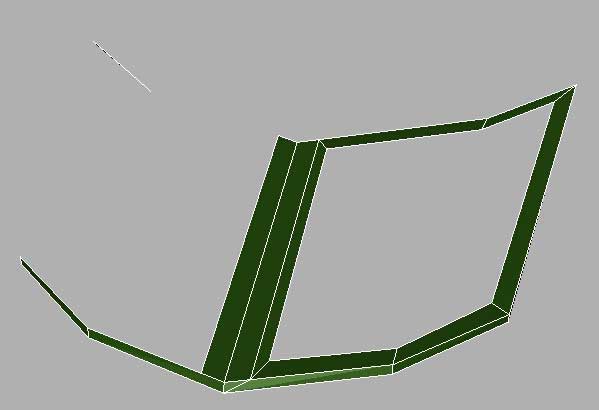
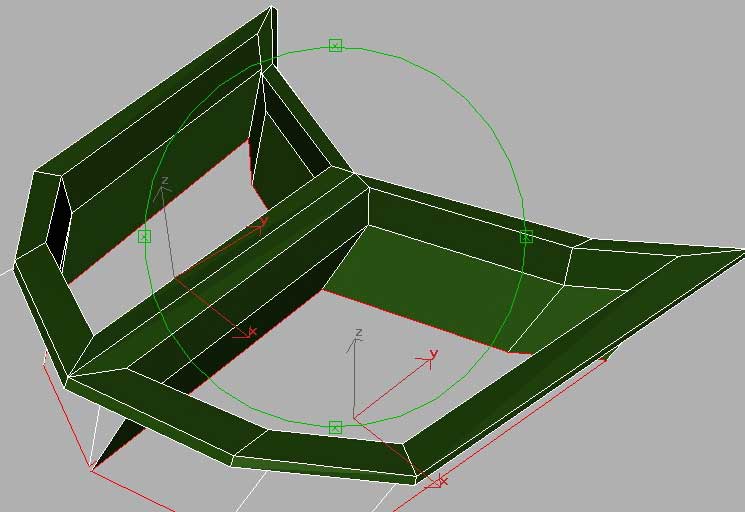
As you see in the images below I sliced the front and made sure after mesh smooth the front where the windshield come later, was funded. Then I hidden the rest of the car to have more liberty working with the front. Basically I deleted the central faces and extruded the edges several times.
 |
 |
 |
 |
 |
 |
This
is how it looked after the extrusions:
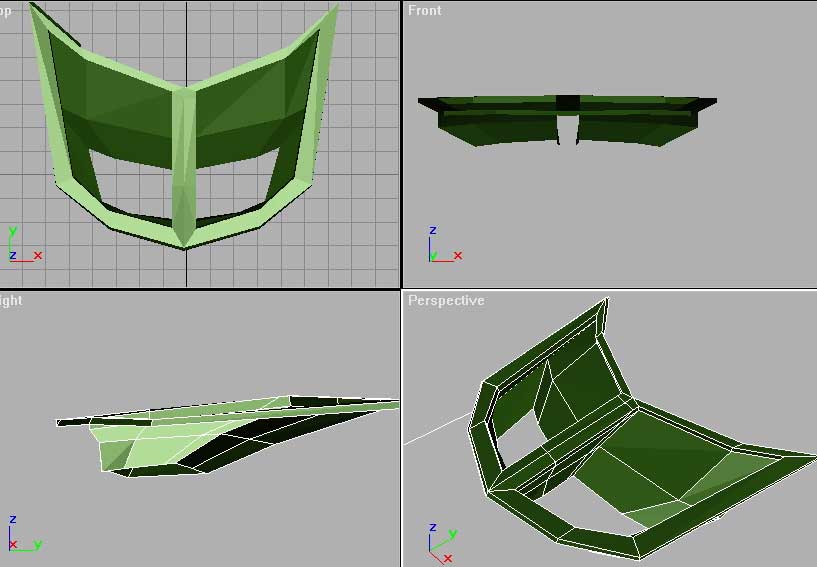
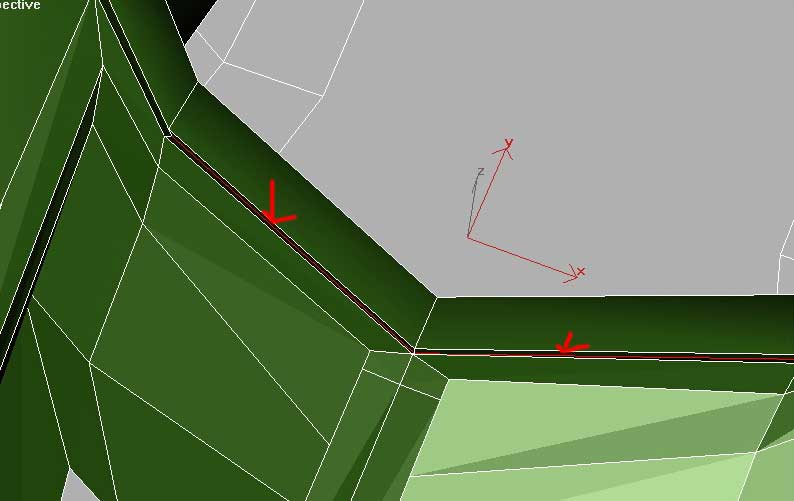
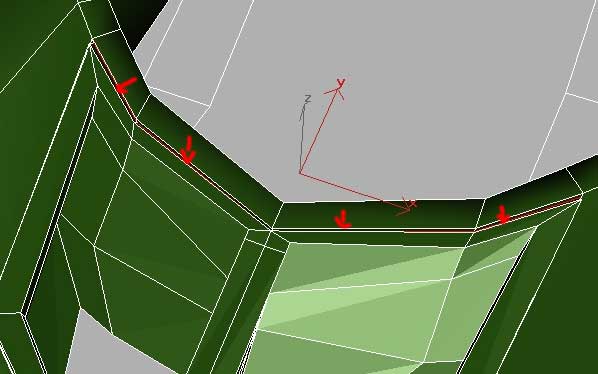
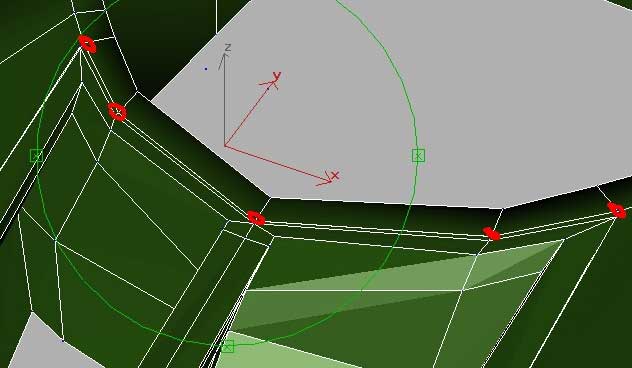
Next I lifted the edges in the upper part (the ones with red). After the edges were perfectly aligned with the faces (where the windshield will go) I welded the vertexes (in the third images).
 |
 |
 |
The
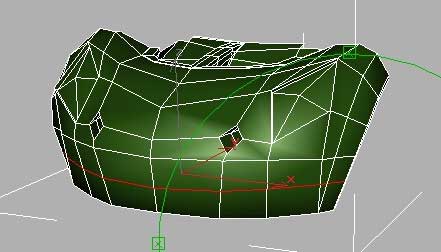
lower part of the car (in front):
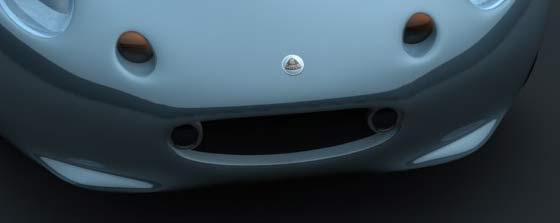
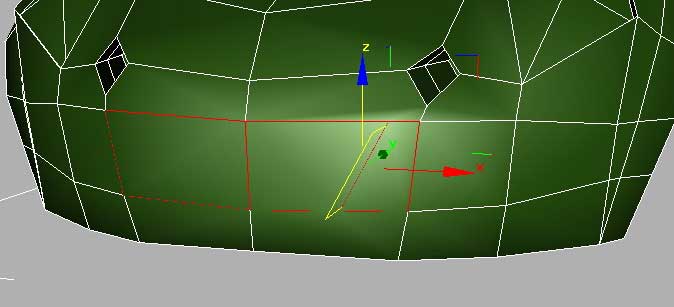
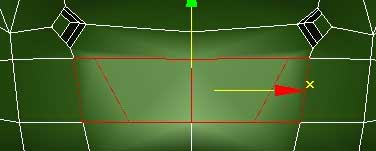
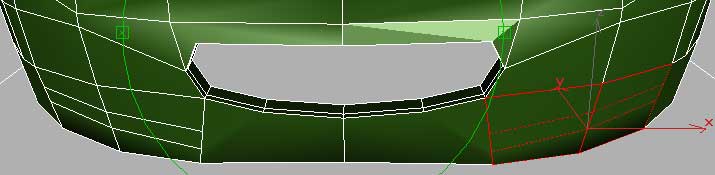
the air hole : I sliced all the faces horizontally and then I selected the middle face and I sliced them vertically:
 |
 |
 |
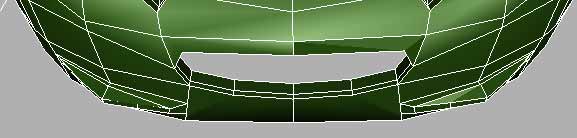
Then I deleted those faces and extruded the edges inside, twice:
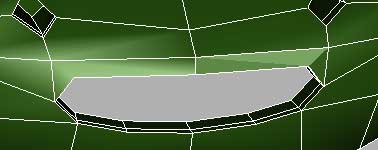
below you can see how I created the little bumpers:
 |
 |
The
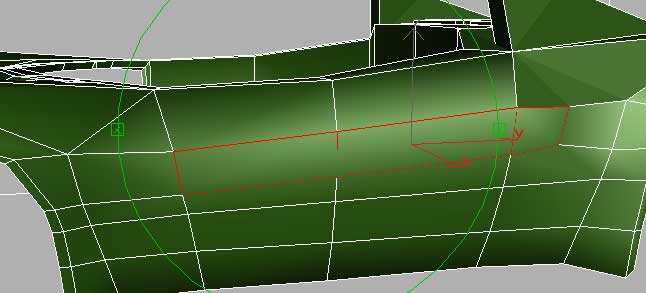
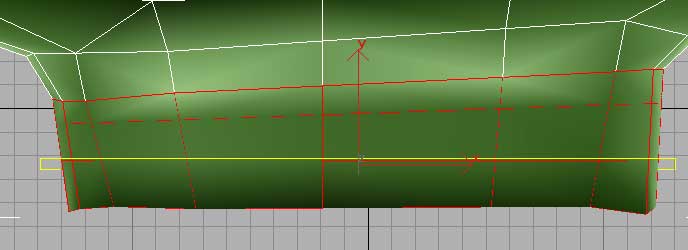
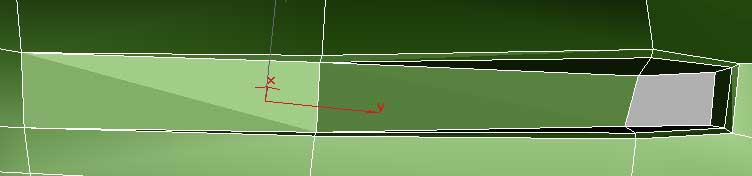
side airhole:
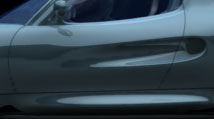
I only worked with one side of the car, then after I completed the airhole, I copied and mirror those faces and them I welded to the other side of the car.
 |
 |
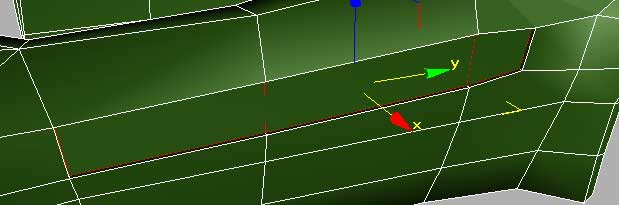
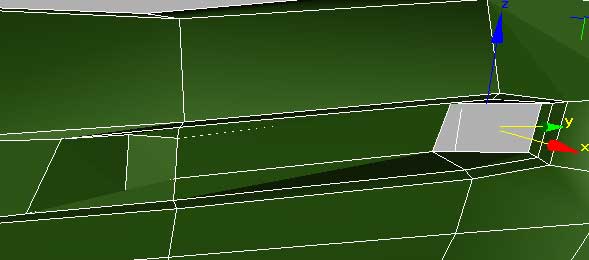
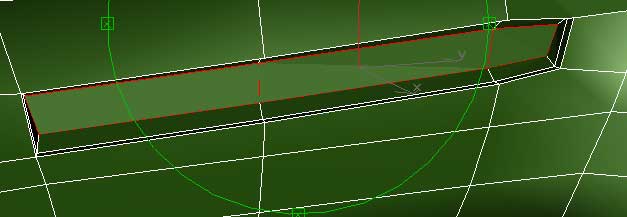
I extruded inside the faces, twice:
 |
 |
 |
 |
After this part looks good I copped the faces and mirror them.
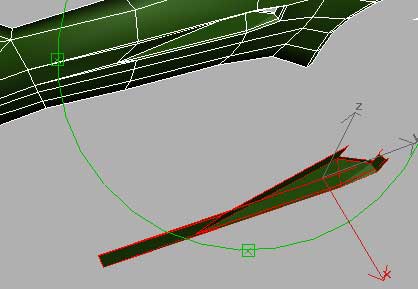
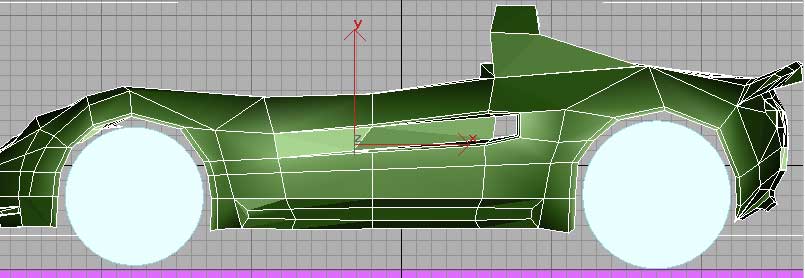
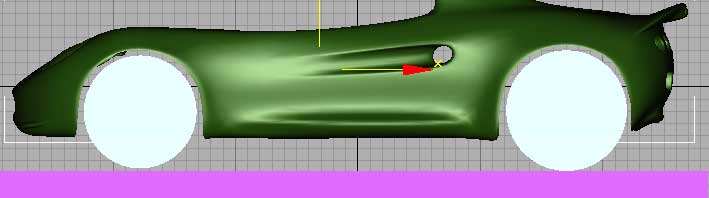
Now the work with this mesh is almost over, I wanted to be sure that the wheels will fit good in their holes:
 |
 |
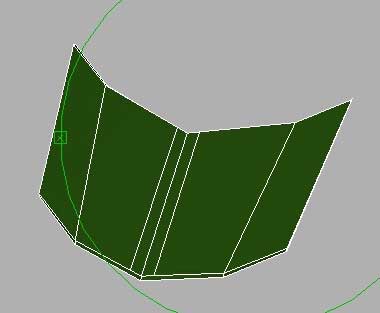
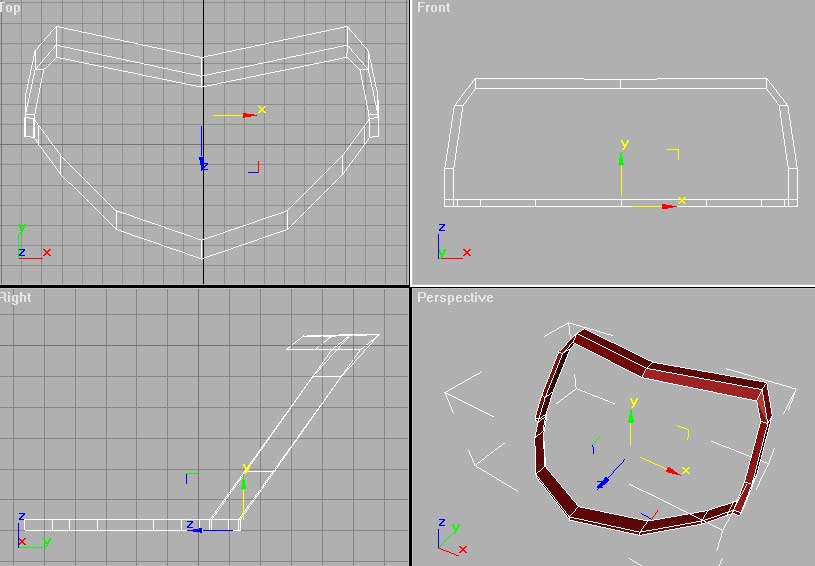
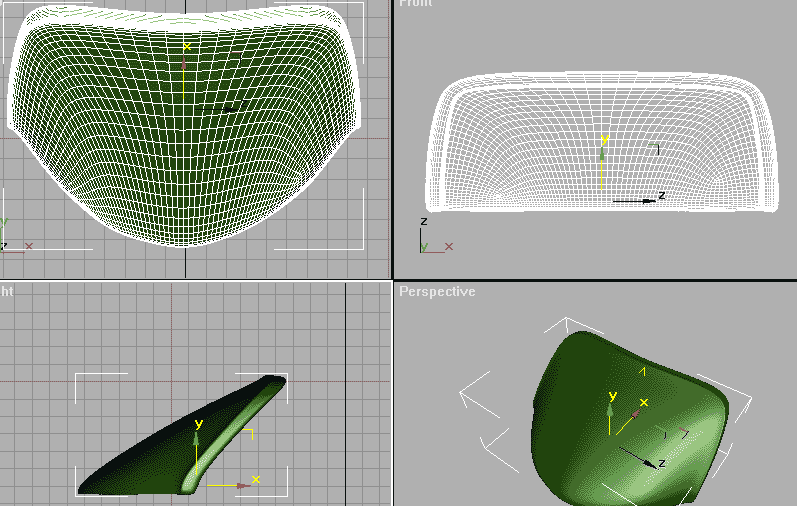
Next, the windshield:
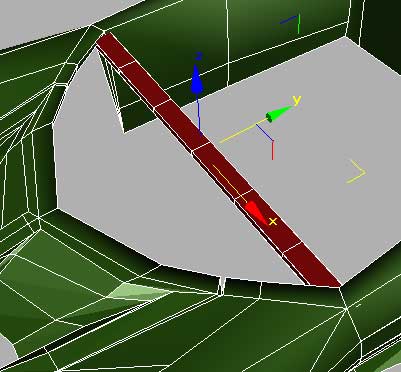
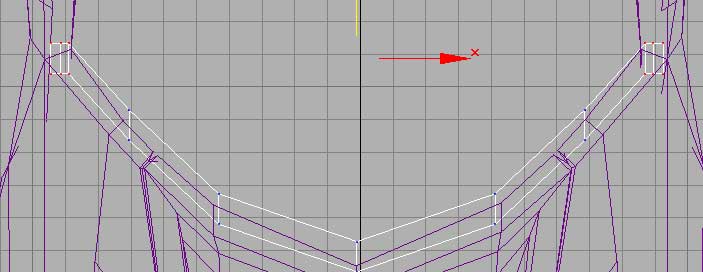
I created a box and then modified it with edit mesh as in the pictures bellow:
 |
 |
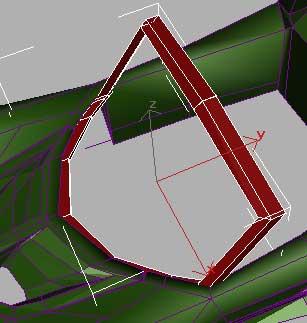
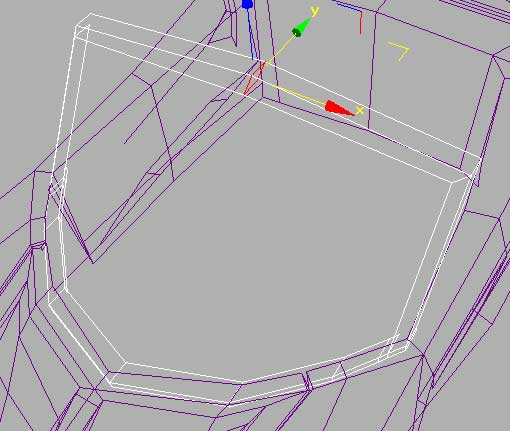
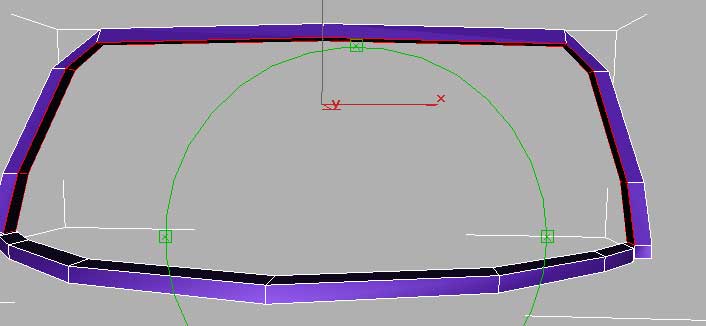
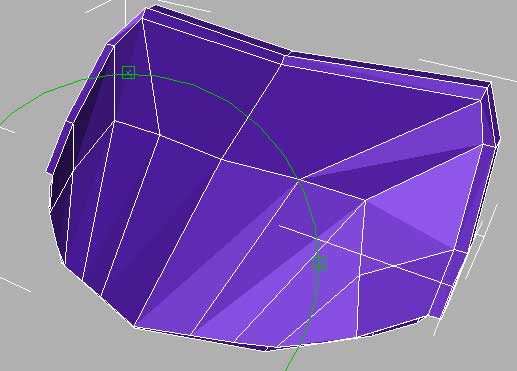
After that I extruded the faces near the end, several times:
 |
 |
 |
Next :
 |
 |
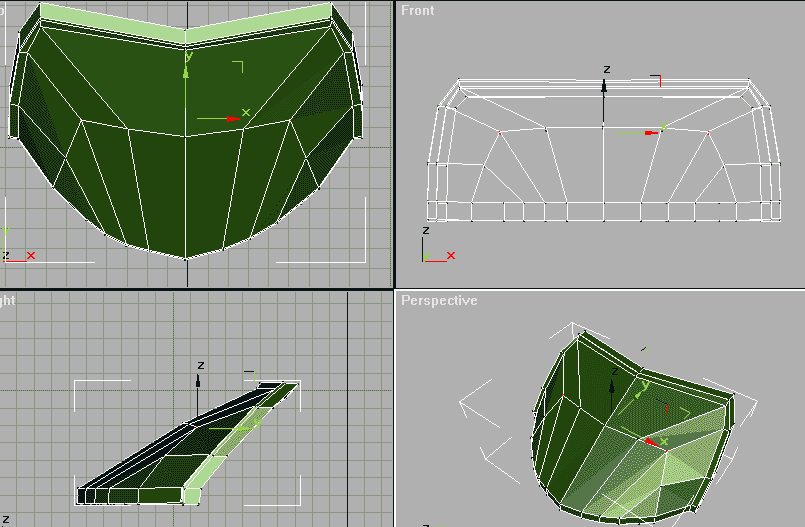 |
After I applied mesh smooth :
copyright Razvan Maftei, http://raz.ro